Push in
The camera rolls slowly into the room, as if on rails. The movement that feels deepest and shows the most.
You choose the movement. The room stays exactly as it is. Five seconds of video from one photo.
Drag inside the image to move the camera
No editing, no camera, no second visit. You already have the photo.
One photo from your listing. Including one we styled for you earlier.
Drag inside the image or pick from the list. You see which way the camera will go before you spend anything.
The MP4 is ready in about a minute and a half. Ready for the listing, Instagram and WhatsApp.
All four made from the photos below. What you see is the output itself, scaled down.
The camera rolls slowly into the room, as if on rails. The movement that feels deepest and shows the most.
Sideways along a long facade or a garden.
The same movement, the other way. Brings in what fell just outside the photo.
The foreground shifts faster than the background, so a flat photo gains depth.
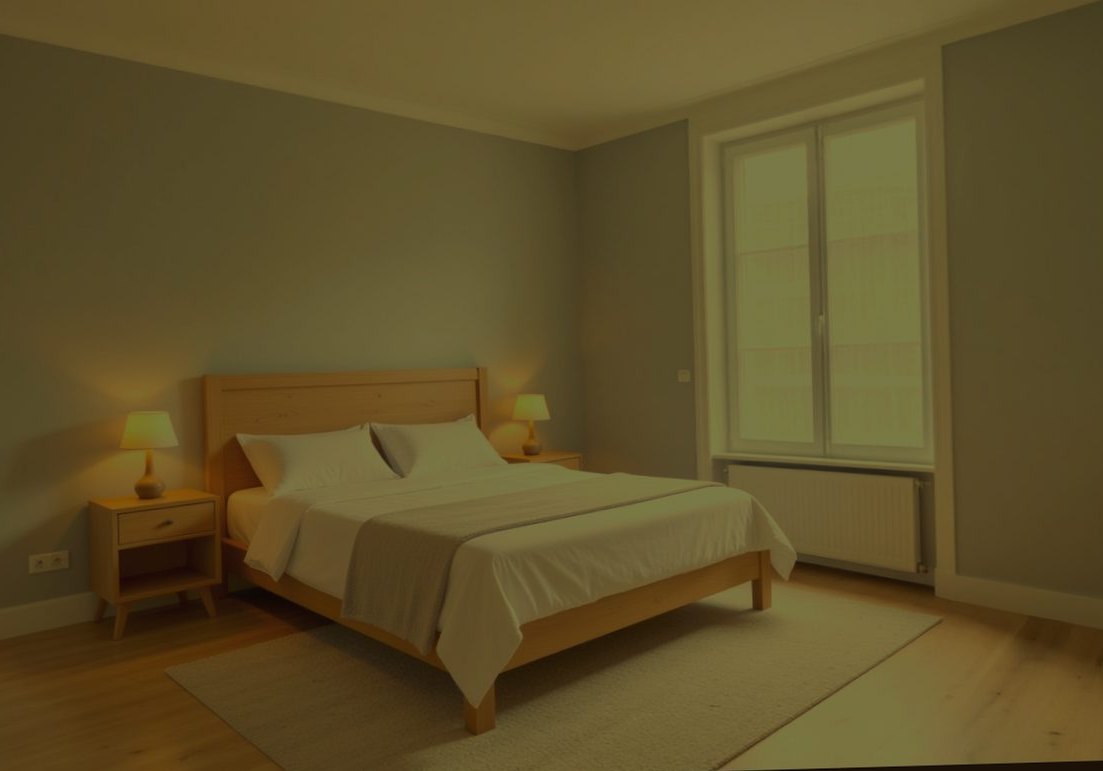
Below are the first and the last frame of the video at the top of this page. Five seconds apart, and nothing was invented.
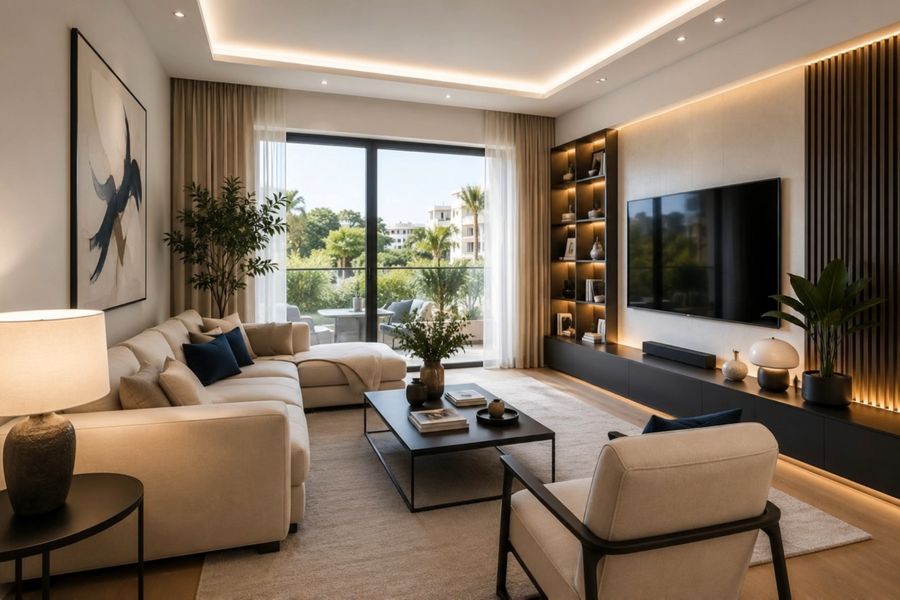
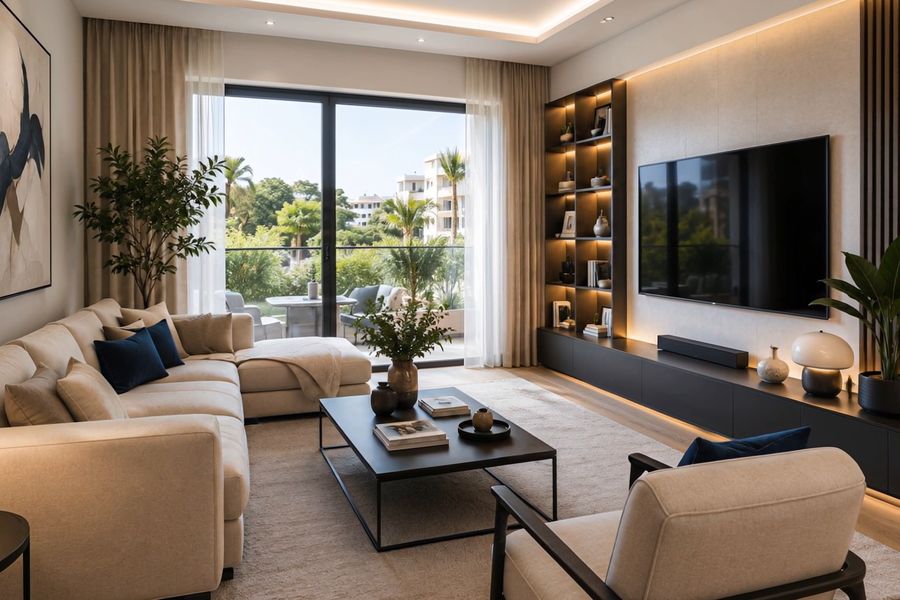
The water ripples, the fire flickers, the light turns to evening. The rest of the photo stands still.
The pool gets a living surface with ripples and reflections that follow. The camera drifts very slightly; the property itself does not change.
Flames in the fireplace, with the warm glow that comes with them.
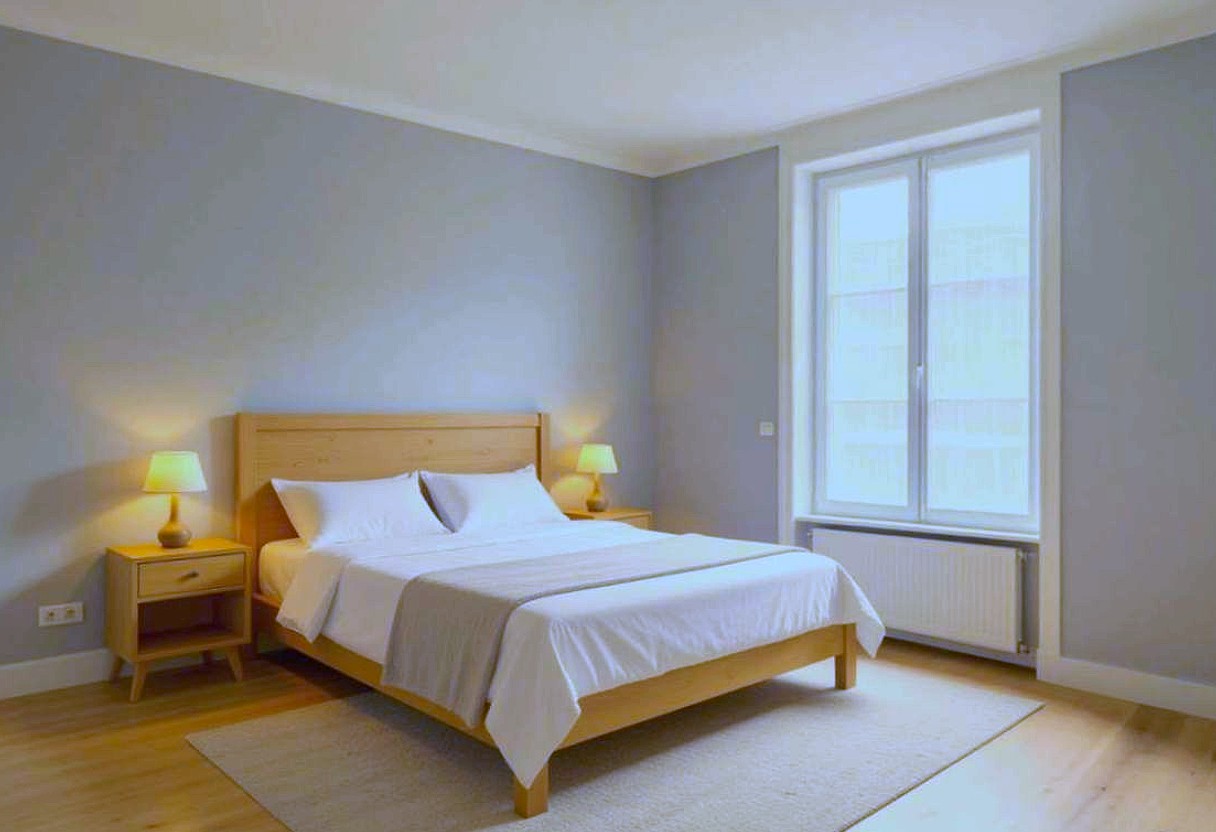
Daylight falls away and the lamps come on. Works on a photo taken in daylight with the windows in shot.
Nine treatments for photos, plus a 360° tour and a floor plan. Drag the bar across a photo to compare before and after.
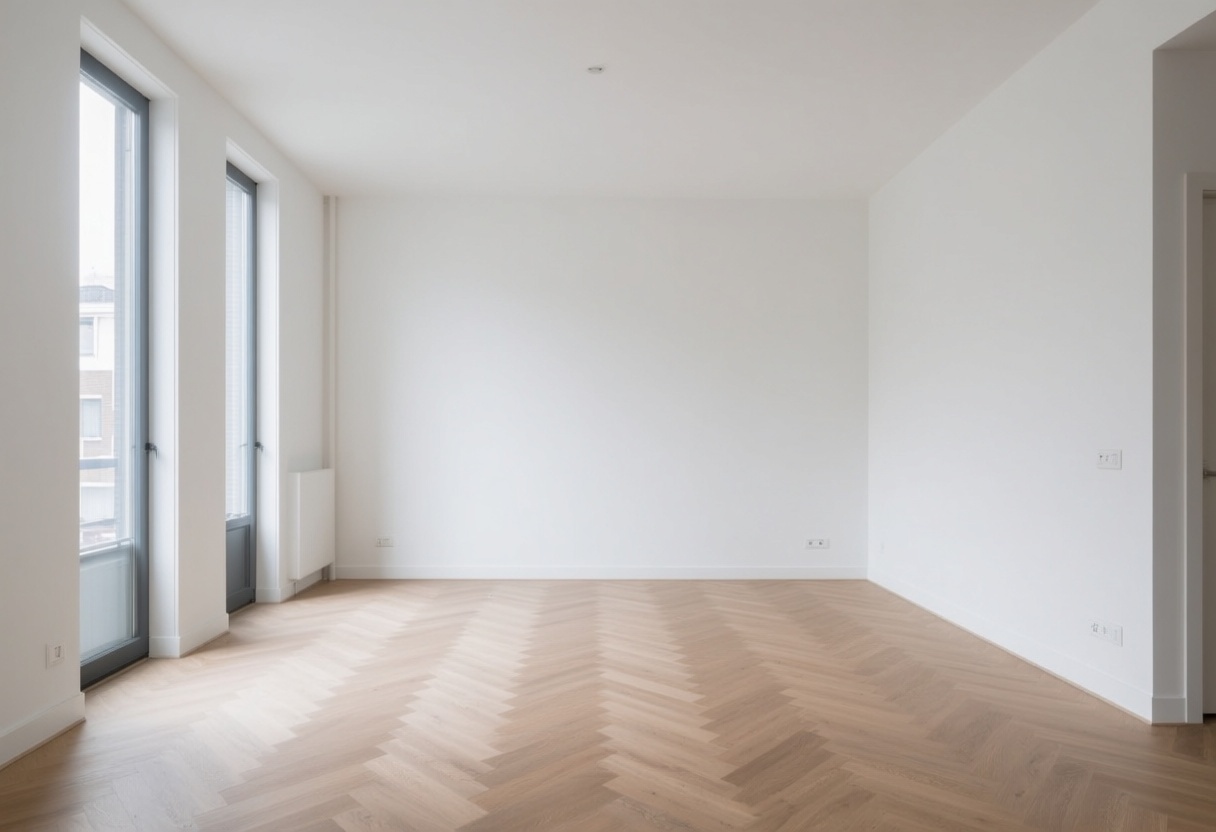
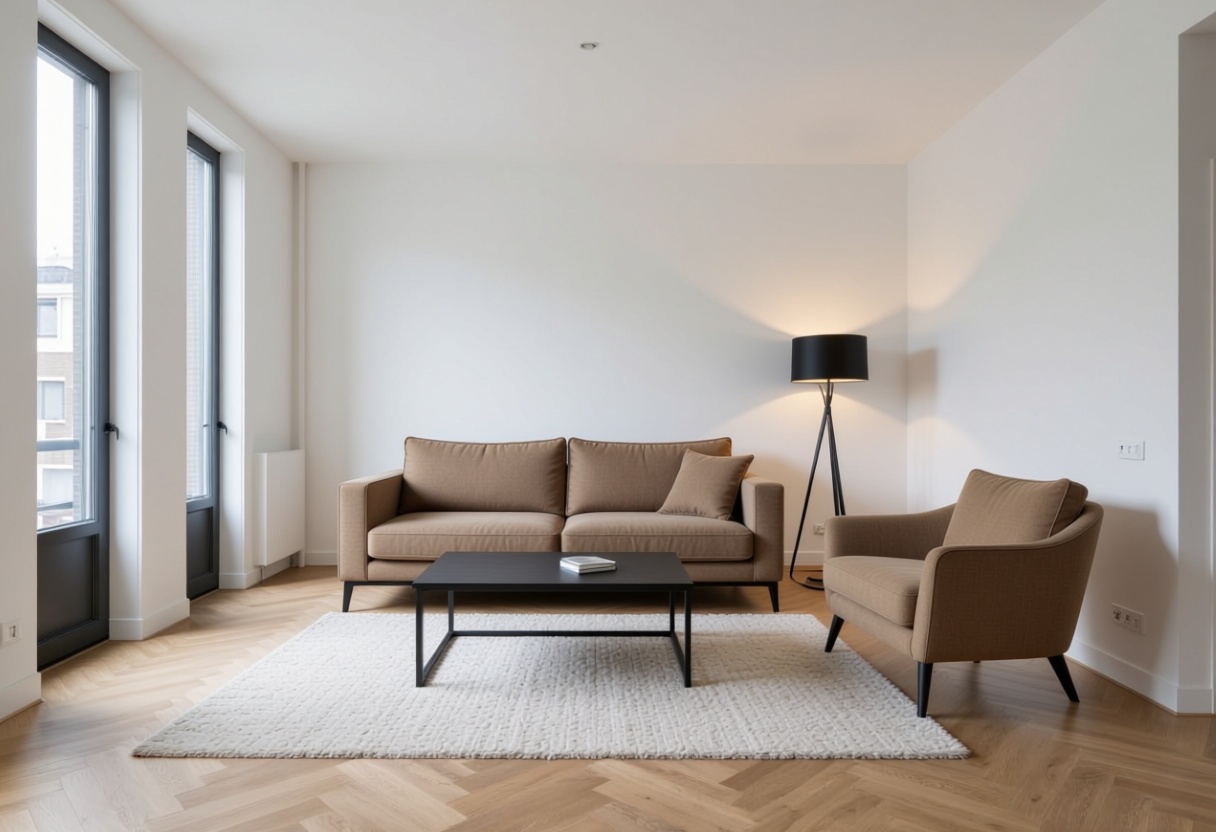 BeforeAfter
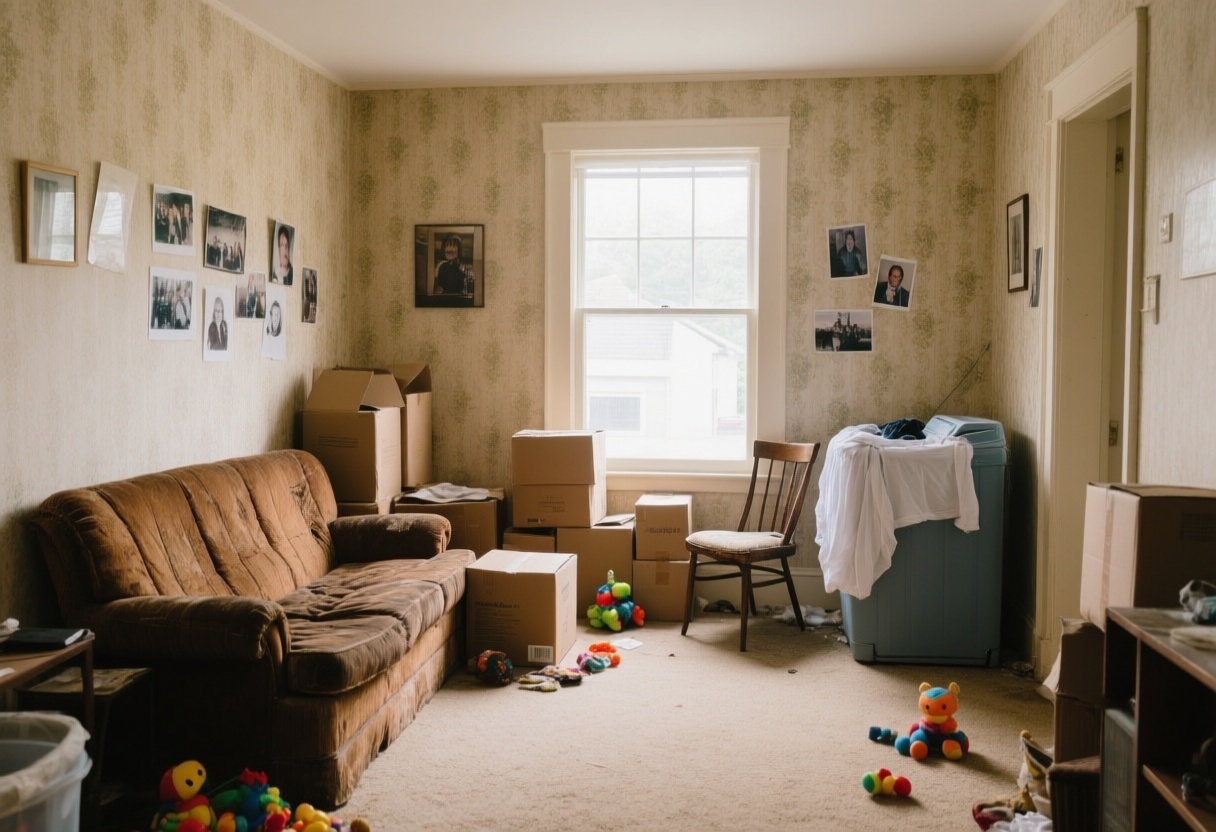
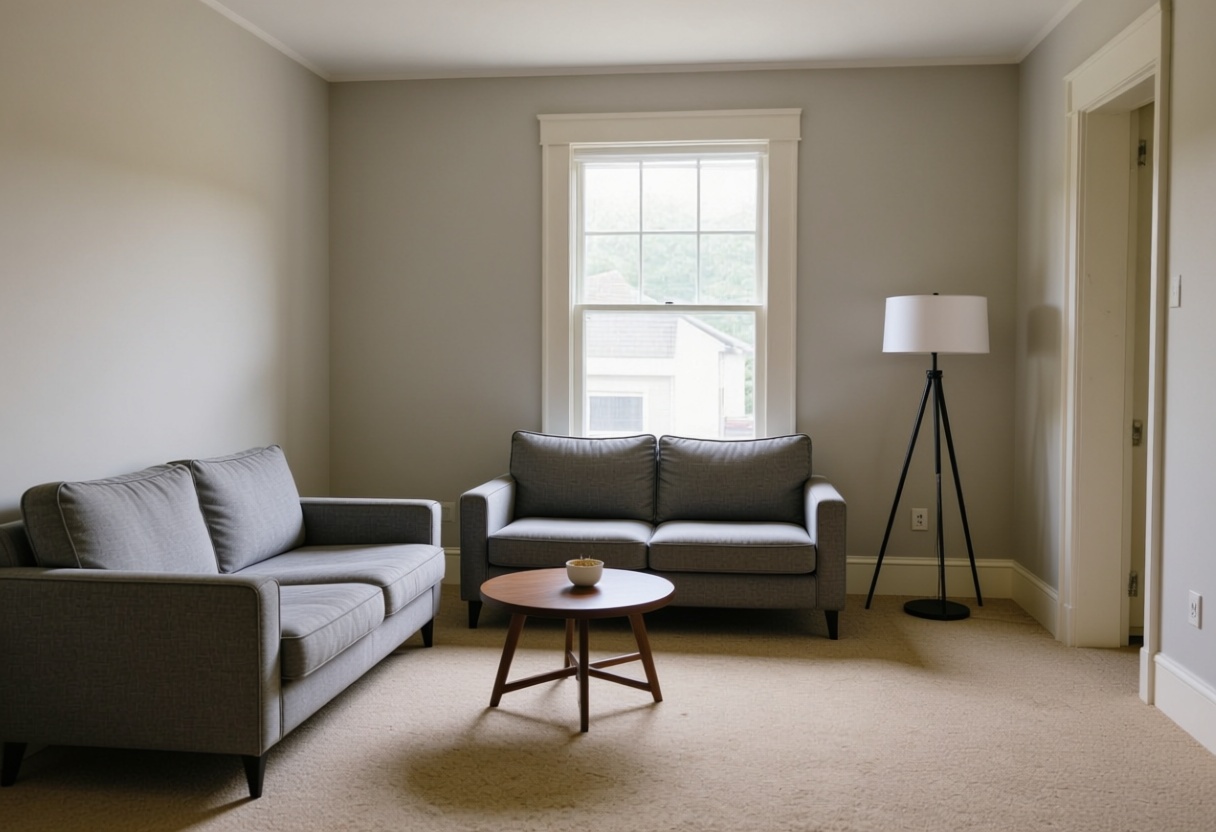
Add furniture to an empty space.
 BeforeAfter
Remove existing furniture, then furnish it fresh.
 BeforeAfter
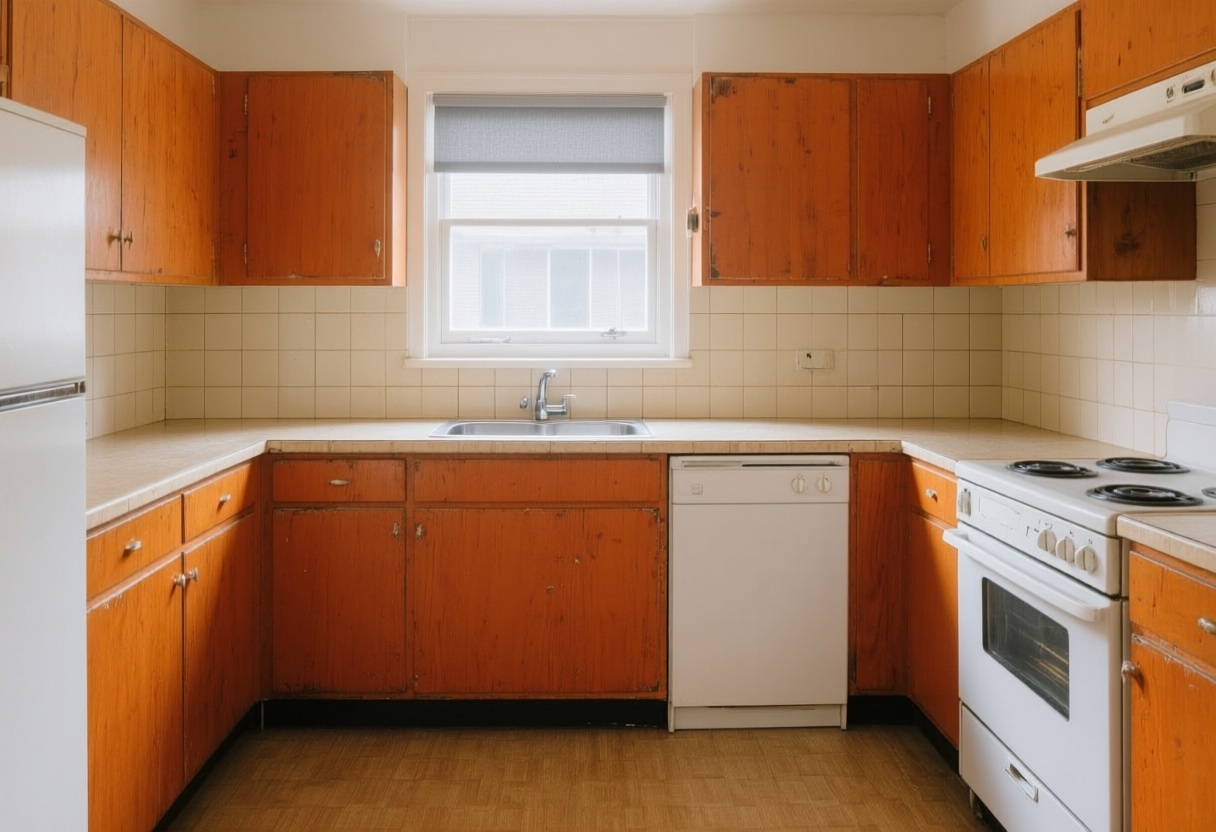
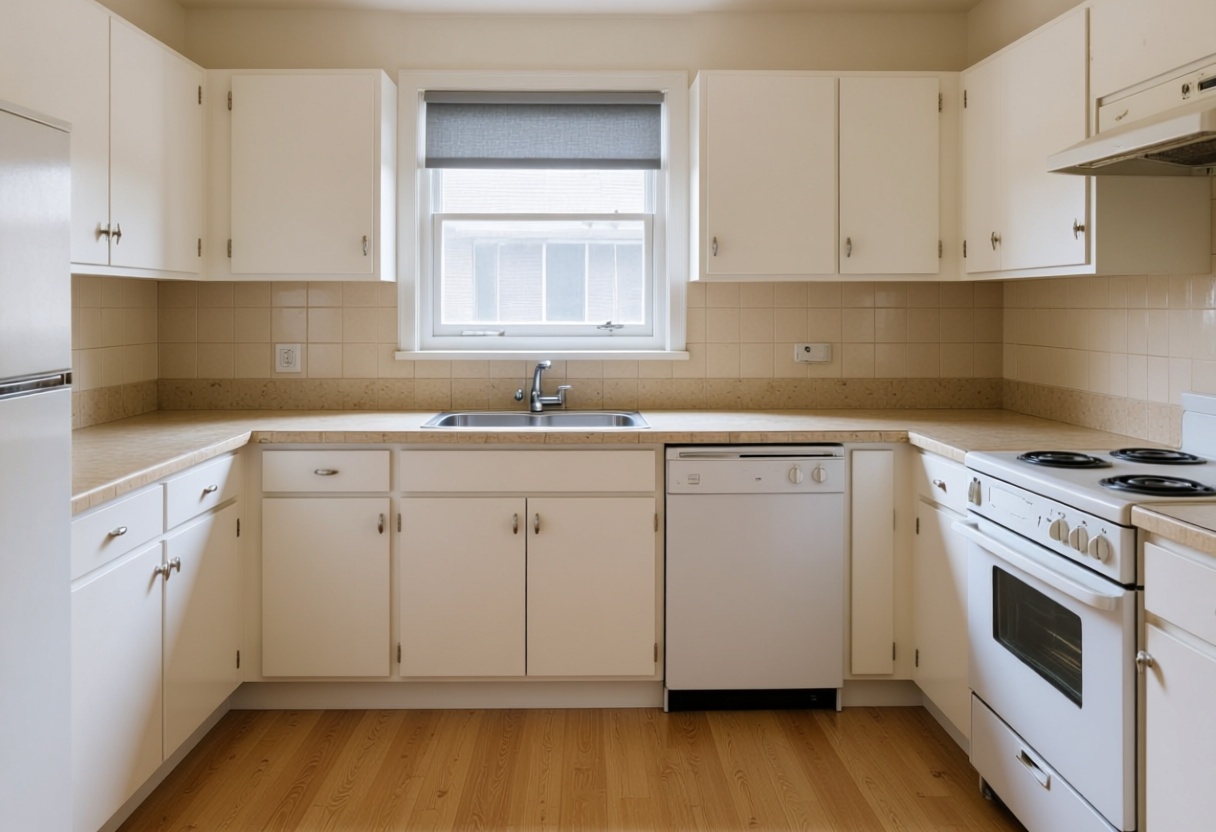
Show a dated kitchen or bathroom renovated.
 BeforeAfter
Fix lighting, colour and perspective.
 BeforeAfter
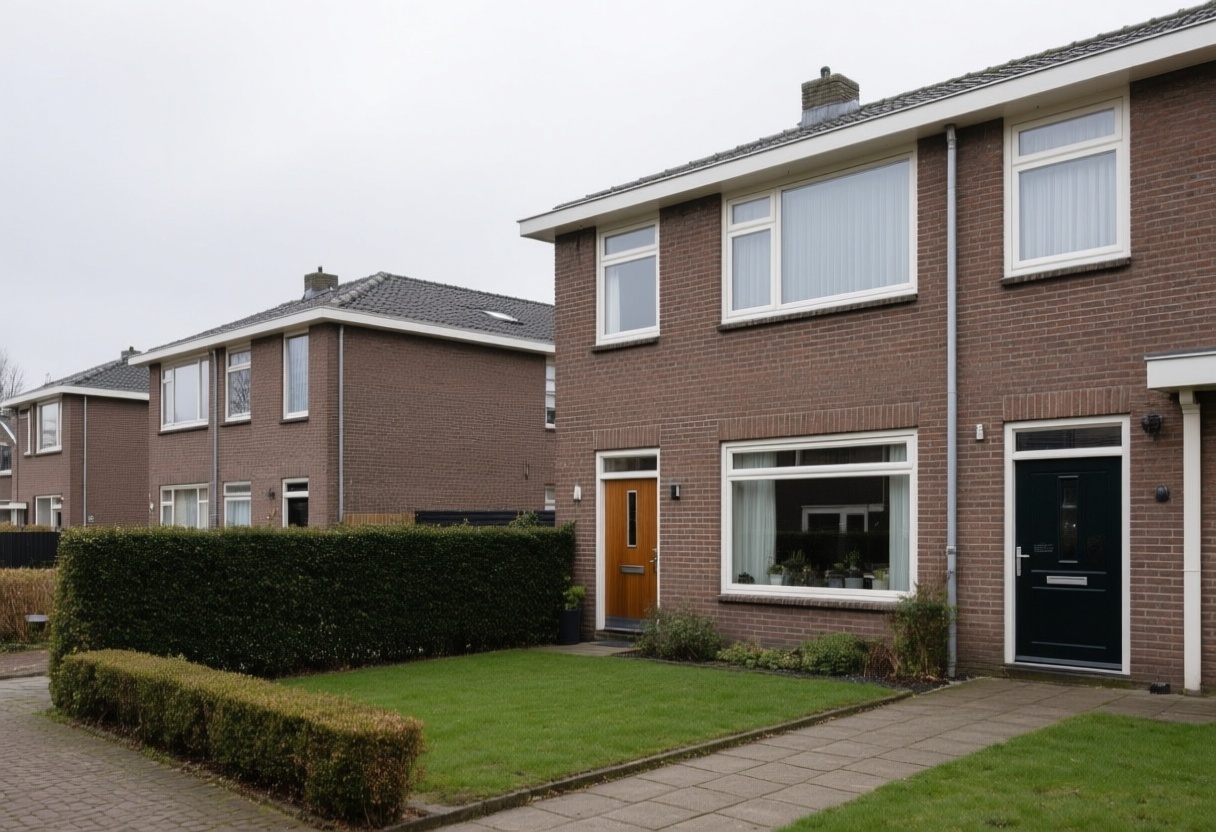
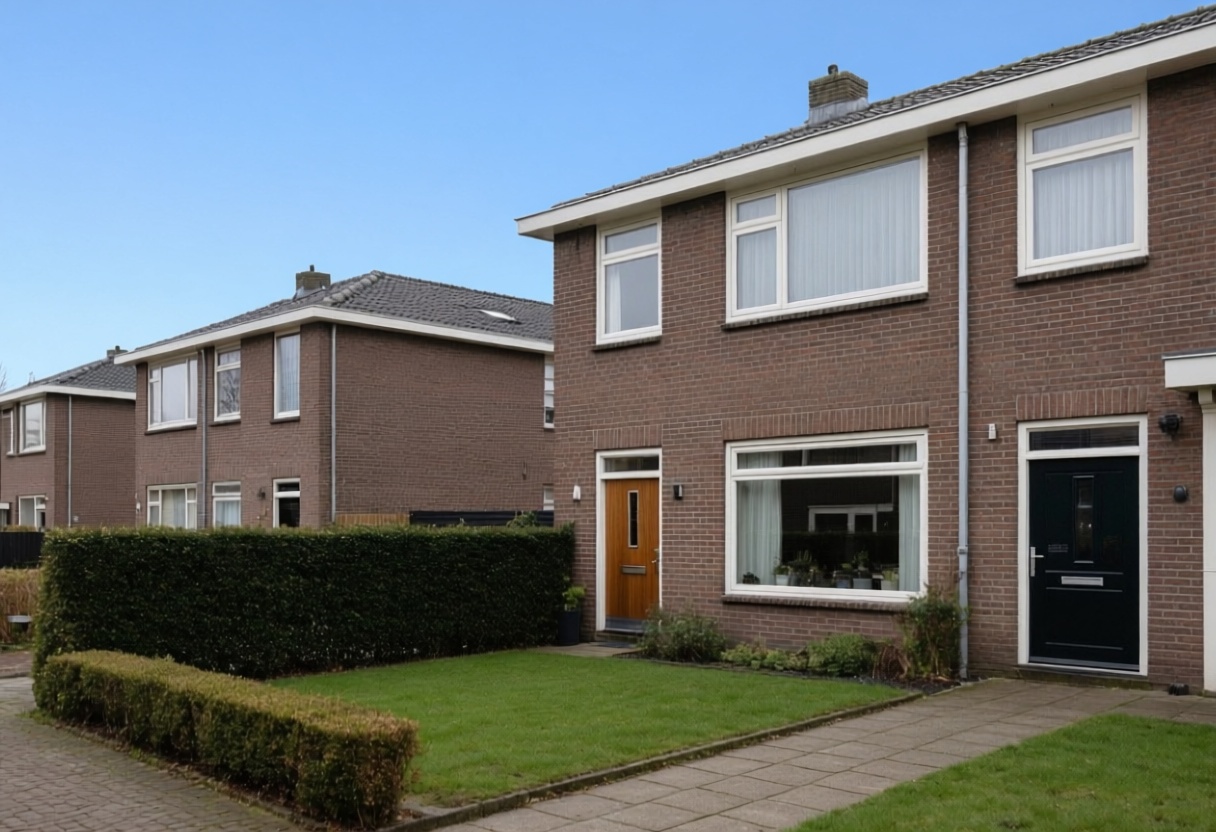
Blue sky or golden-hour light on an exterior shot.
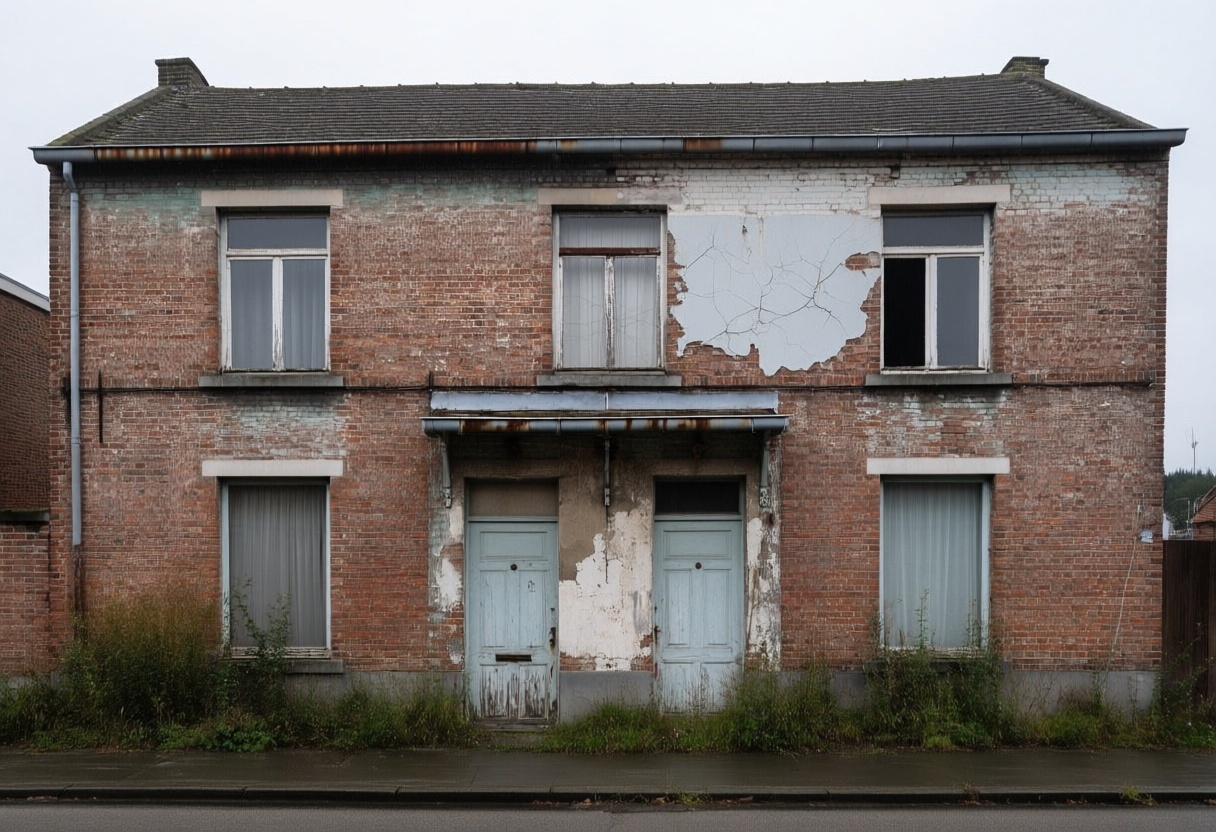
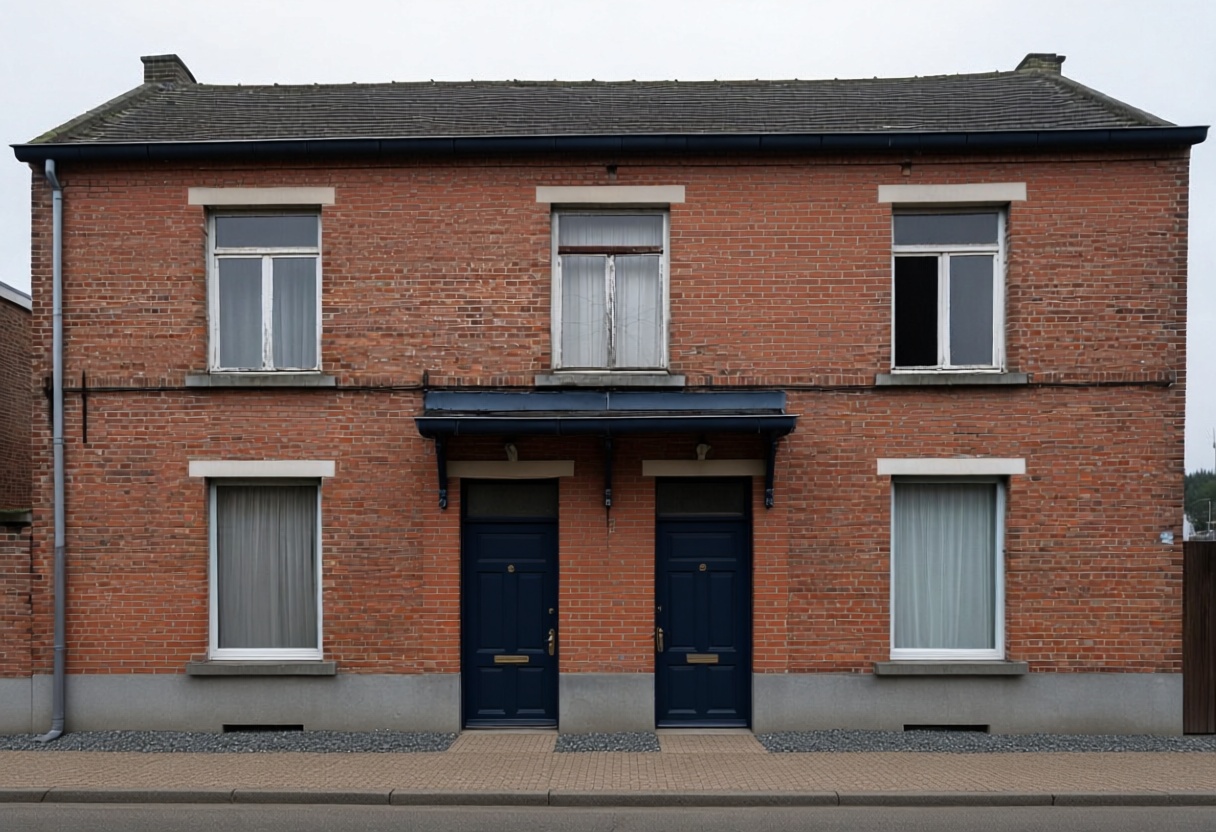 BeforeAfter
Clean up and modernise the building exterior.
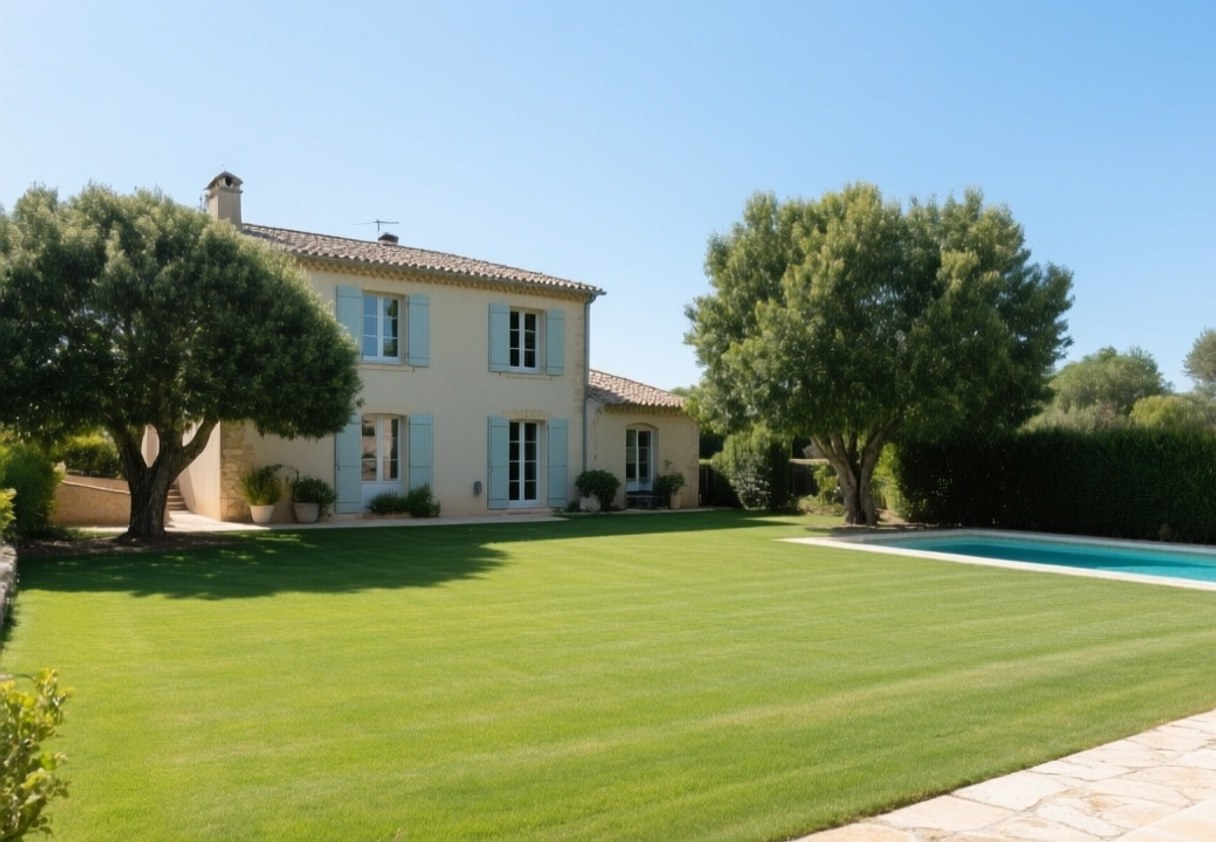
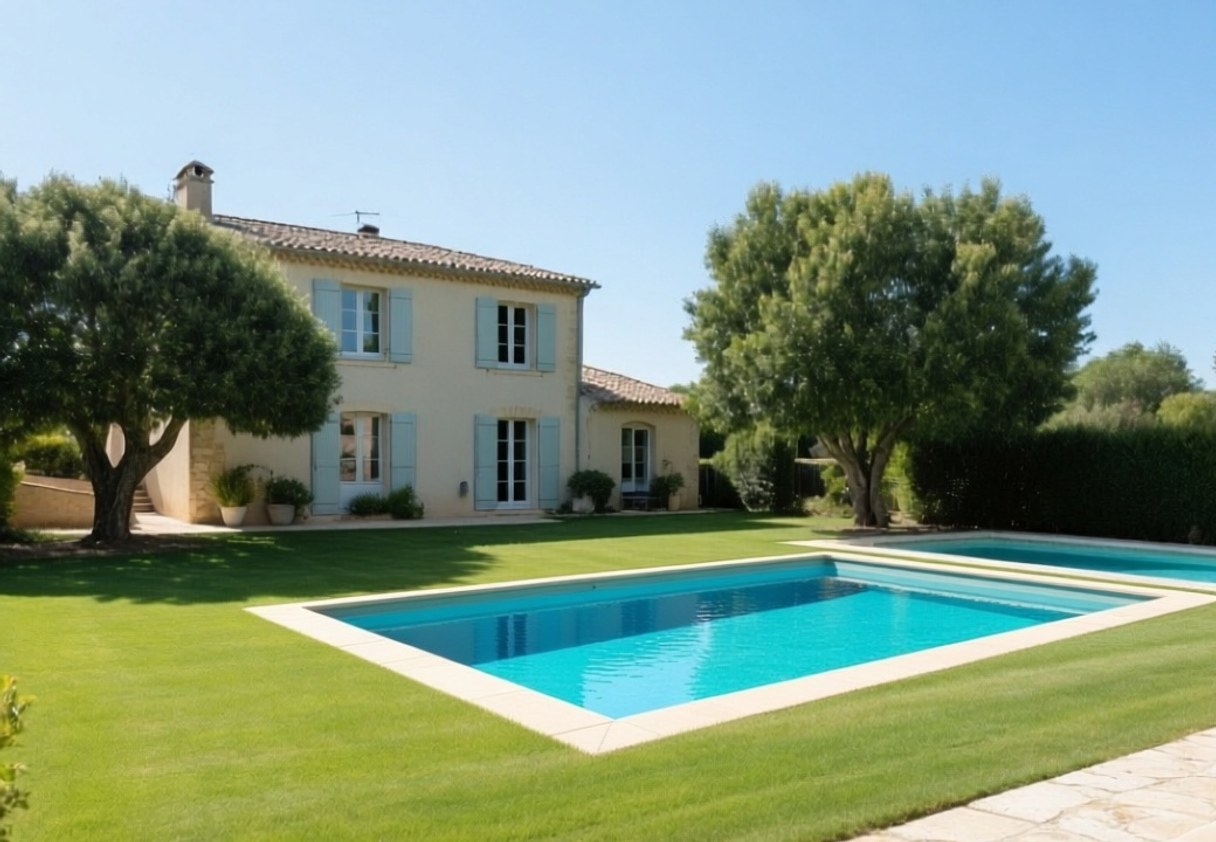 BeforeAfter
Visualise a pool in the garden.
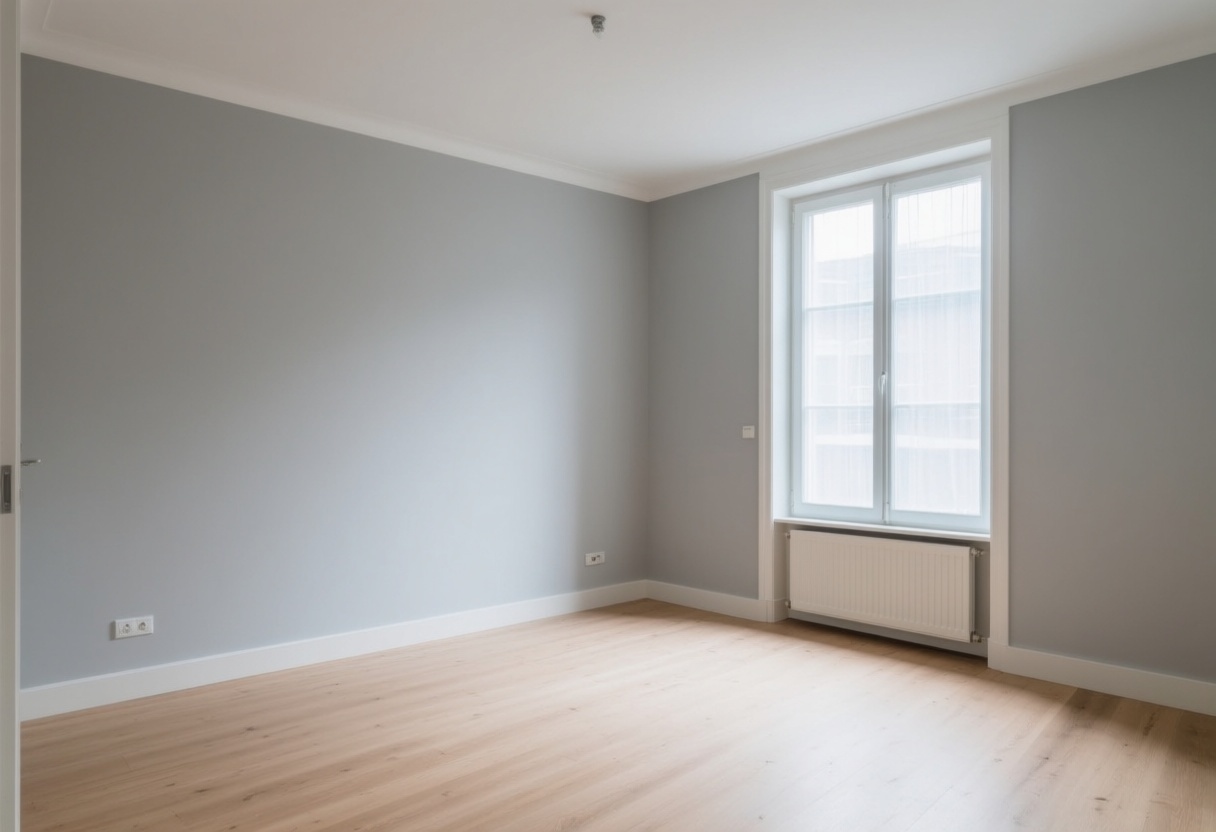
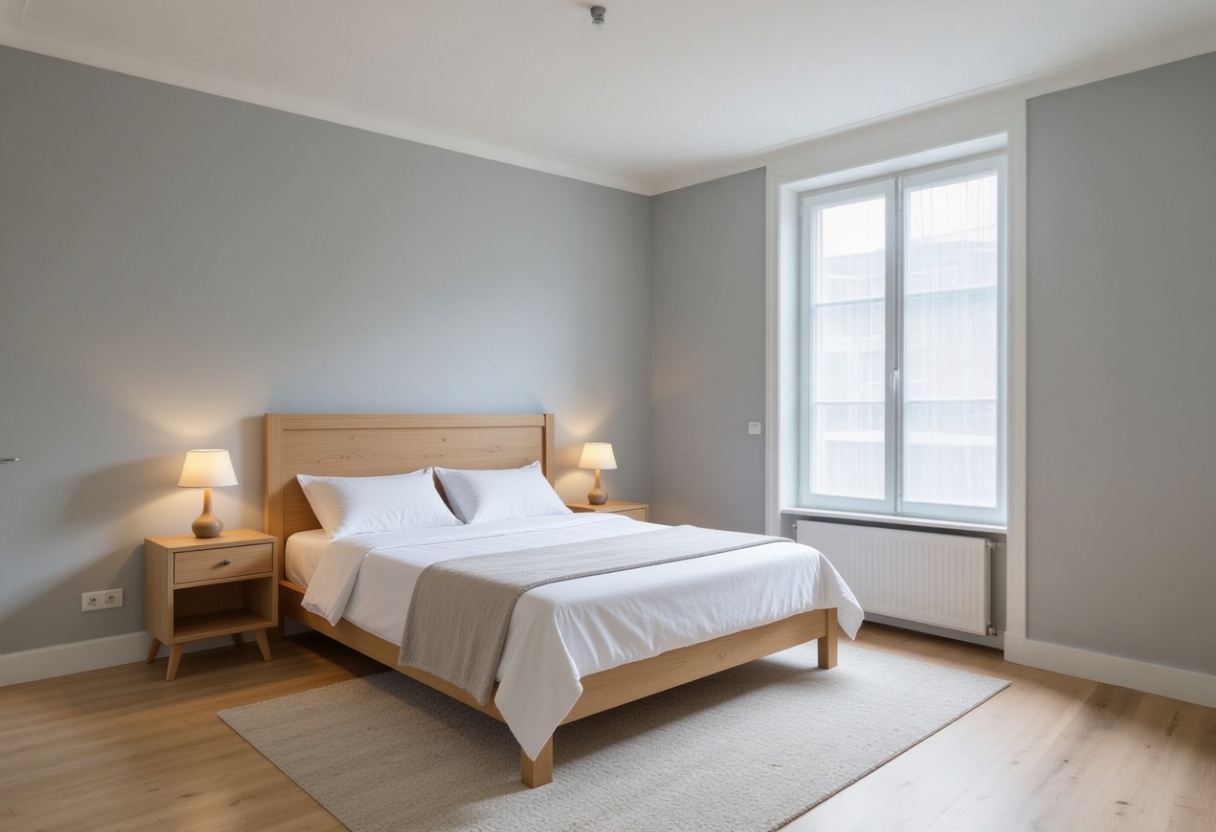 BeforeAfter
Show a narrow room from further back.
The buyer drags through the room and walks from space to space, in the browser, without an app. You upload panoramas from a 360 camera and put one link on the listing.
Included in every planDraw the walls with the mouse. We find the rooms, work out the square metres and give you a clean floor plan to download. Doors and windows optional.
Included in every plan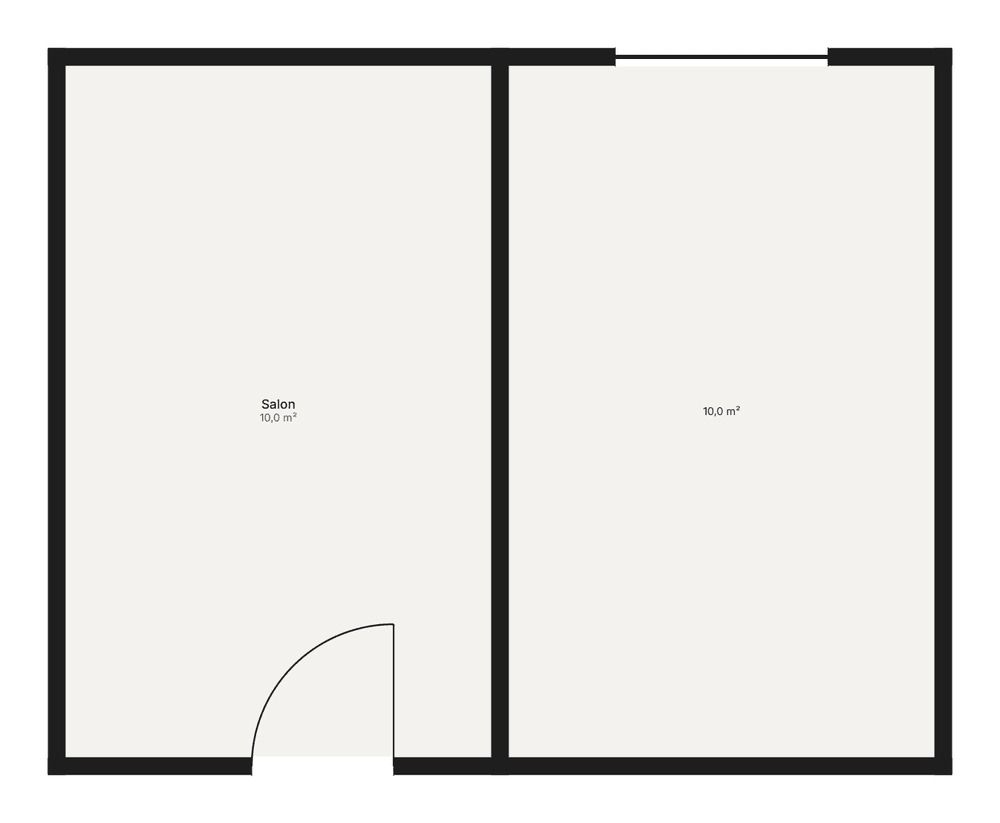
Not available yet. We put it here so you know what is coming, not to promise it.
People walking through the room, so a property feels lived in.
A short opening line over the image, written for Reels and TikTok.
A full walkthrough, built from all the photos of one property.
A photorealistic image from a floor plan you drew yourself.
Choose how many photos you need each month. Pay monthly and stop whenever you like, or pay for a year and save.
Pro
€29 / month
100 photos per month
Unused photos roll over, so a quieter month never goes to waste.
Both, in every plan. A virtual tour needs panoramas from a 360 camera: an Insta360, a Ricoh Theta or your phone's panorama mode. You upload them, we build the walkthrough and give you a link for the listing. We do not build a tour from ordinary room photos; nobody can honestly promise that today. A tour room counts as one photo, an AI video counts as six.
Yes, and we make it easy. Every image can carry a 'Virtually staged' label. Across Europe a buyer must be able to see that a listing photo has been edited.
They sit in private storage that only your account can open. Nothing is public, nothing is shared, and we never use your photos to train a model. Source files are deleted after 90 days; the results you generated stay with you.
Around forty seconds from upload to download, and you can run several photos at once.
If a job goes wrong, email us at info@immodecor.eu and we will look into it. If the result simply is not what you wanted, run it again with a different style or with your own instruction.
Yes. Alongside the room type and style you can type a free instruction, for example 'add a grand piano in the corner' or 'make it a nursery'.
No. Plans are monthly and you can stop whenever you like.
Choose a plan and everything above is included: treatments, tours, floor plans and video. An AI video counts as six photos. Every plan can be cancelled any month.
Designed by AIThe room stays the roomDutch, French and English. Invoices with a VAT number.